Set Agent Status
Your status represents your current activity or availability for incoming calls, and it can be changed accordingly. The drop-down menu used for changing your status is found within the Webex pane, and can be changed to represent your current status or activity as needed.
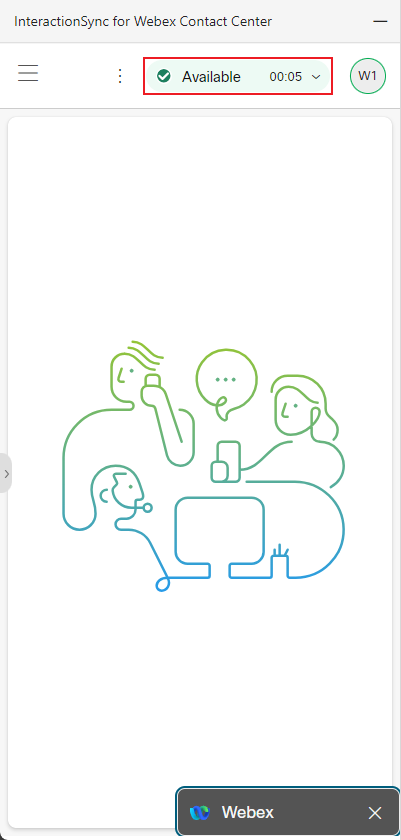
Selecting a Status
To select a status that represents your current activity, do the following
Note:
Available statuses may differ depending on your organization. For additional help with managing calls, refer to Manage your calls in Agent Desktop.
- Click on the Status drop-down menu to reveal the available statuses.
- Select a status that reflects your current activity or availability.