Access Angel Associate Assist
To use Angel Associate Assist, you must log into your contact center platform and set your status, typically Ready, to accept calls. Then, log into Associate Assist to access its features. This ensures you are ready to assist customers effectively.
Log In and Set Status to Receive Calls
Logging into your contact center platform is the first step you must take in order to access Associate Assist. Log in using your credentials and then set your status to start receiving calls. This also enables you to sign into Associate Assist and assist customers.
Login processes differ by contact center platform. Refer to your training resources or contact your manager for specific login and status-setting instructions.
- Log into your contact center platform.
- Set your status to a Ready state.
- You are now in queue and ready to take customer phone calls.
Log Into Associate Assist
After logging into your contact center platform and setting your status, log into Associate Assist using a direct link or through your Customer Relationship Management (CRM). This grants access to its call-handling features.
- Please reach out to your manager to determine how you should log into the Associate Assist platform for your role.
- Before you can log into Associate Assist, your manager must submit your user name to the Associate Assist product team. This ensures the security and integrity of the tool. Please contact your manager if you are unable to log in.
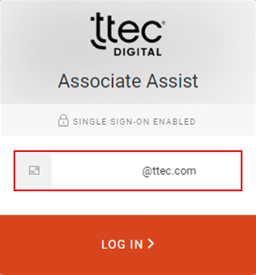
- Enter your TTEC email address.
- Click LOGIN.
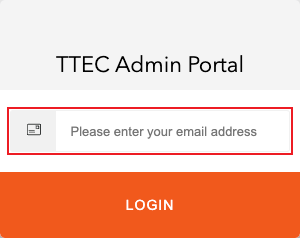
Log into Associate Assist using your TTEC email address. No password is needed, as it uses TTEC Single Sign-On (SSO) for access.