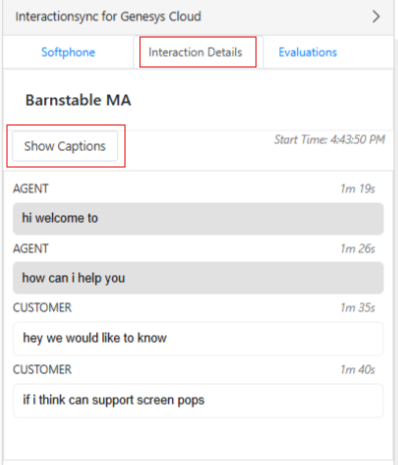
Interaction Details
Important: Admins must enable the Interaction Details setting available in the TabViews tab of the configuration page for it to appear on the ISync sidebar and to have Live Transcription for phonecall and callback interactions.
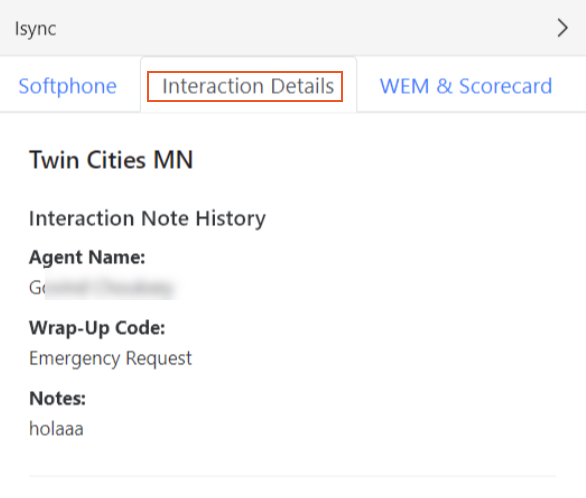
When an interaction transfers to another agent, the wrap-up details are displayed in the Interaction Details tab for the second agent to review.
Show Captions
For phone calls and callbacks, the Interaction Details tab also includes a Show Captions button. Upon clicking this option, it displays live transcription during the active call. The transcription is only available while the call is in progress and disappear once the call ends.